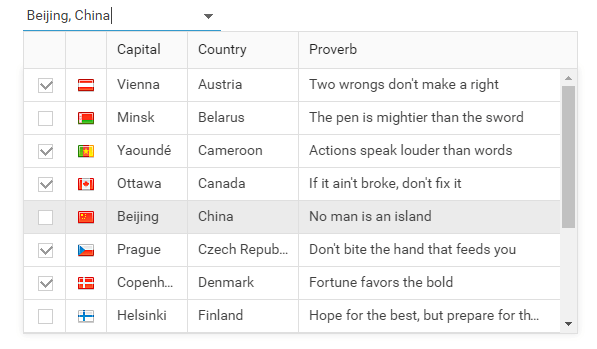
Initialization from HTML Select, XML, JavaScript, JSON
You can convert existing select boxes to dhtmlxCombo objects automatically by enabling automatic conversion, or manually with a script method. The combobox can also be initialized from XML, JavaScript, or JSON (check the online demos to see the variety of options).
Filtering
Filtering means the ability to narrow an already-loaded list of options by typing in the combobox. You can try the live demo on combo homepage.
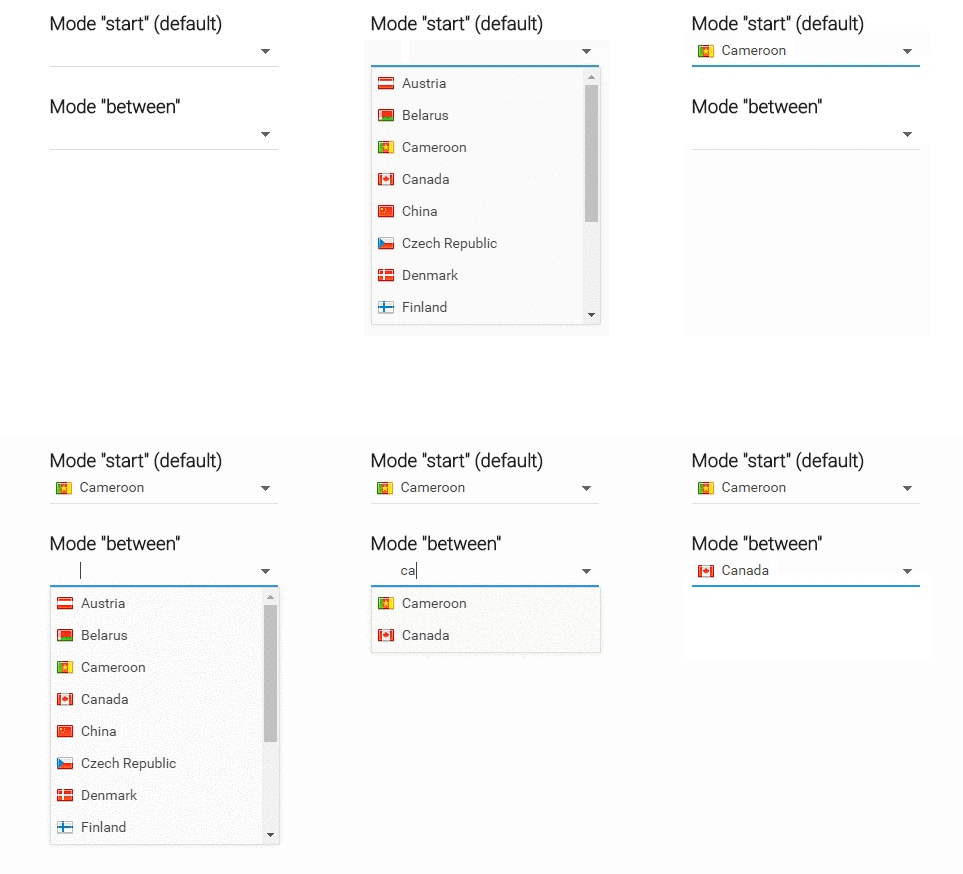
Autocomplete
It's easy to implement the autocomplete feature with dhtmlxCombo. Unlike the filtering feature, autocomplete loads values from an external datasource, while the user types in the combo box. Try live sample which incorporates thousands of possible values.

Ability to Include Images or Other Objects
dhtmlxCombo has native support for including images and other objects in the list (for example, checkboxes and radio buttons). Since version 4.0 you can also use HTML templates to define how the combo options will look (for example, create custom checkboxes or enable multiline items).